Company Settings
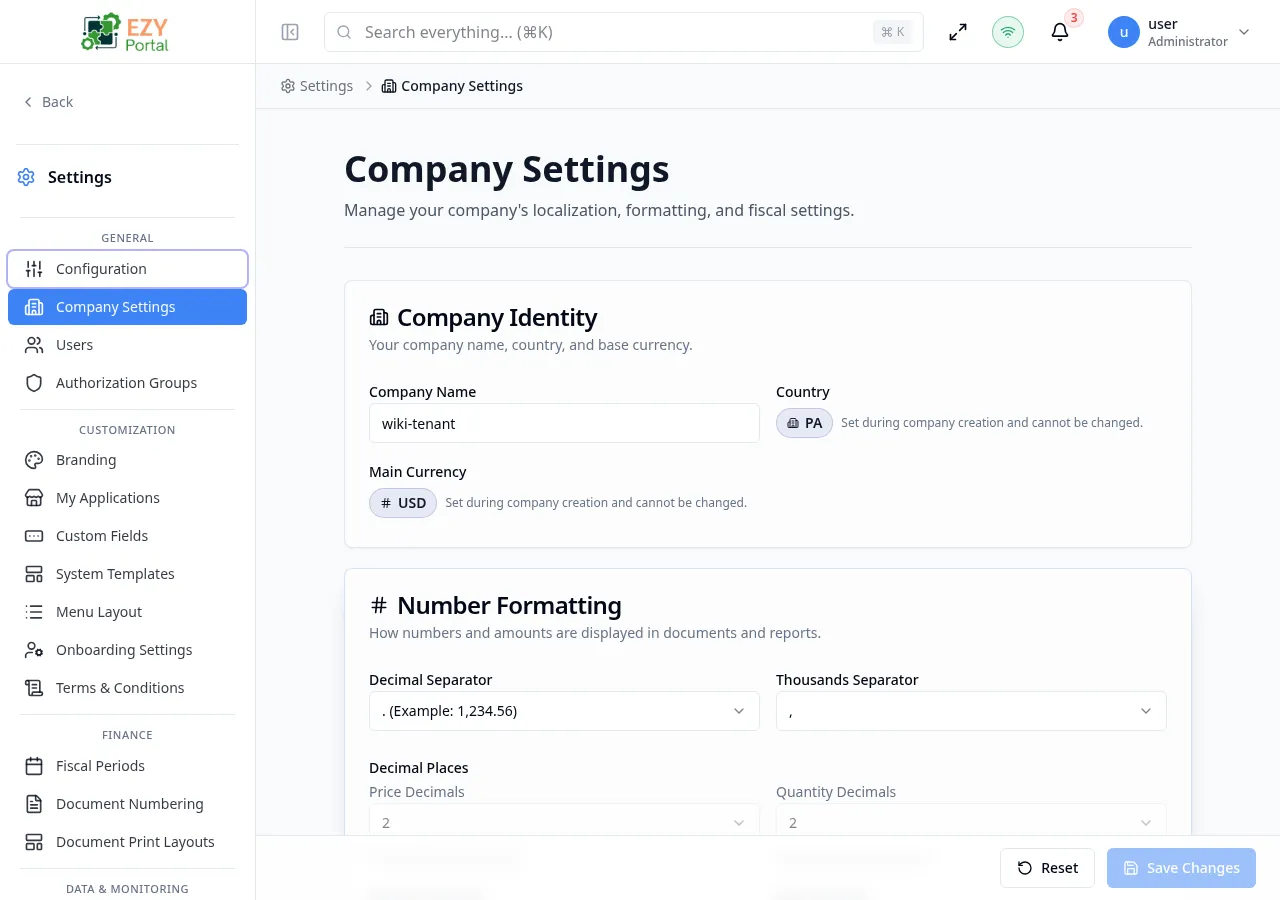
Company Settings defines organization-wide preferences that influence how information is displayed and calculated across the portal. It includes company identity, numeric formatting, date and time behavior, fiscal settings, document defaults, and dashboard administration controls.
Accessing the Page
Section titled “Accessing the Page”- Route:
/company-settings - Menu Path: Settings → General → Company Settings
- Primary audience: Tenant administrators and other users with the required admin role.
What you can do here
Section titled “What you can do here”- Review company name, country, main currency, and tax label information.
- Configure decimal separators, thousands separators, decimal places, and rounding behavior.
- Set date format, time format, time zone, and week start day.
- Review fiscal year and tax-regime fields where available.
- Configure document paper size and dashboard administration visibility.
Common tasks
Section titled “Common tasks”- Open Settings → General → Company Settings.
- Update editable identity and formatting fields.
- Review immutable fields before relying on them in reports or documents.
- Adjust date/time and fiscal options to match the organization policy.
- Save changes and verify downstream pages display values in the expected format.
- Some identity, currency, fiscal, or tax fields may be locked after tenant setup or fiscal activity exists.