Import History
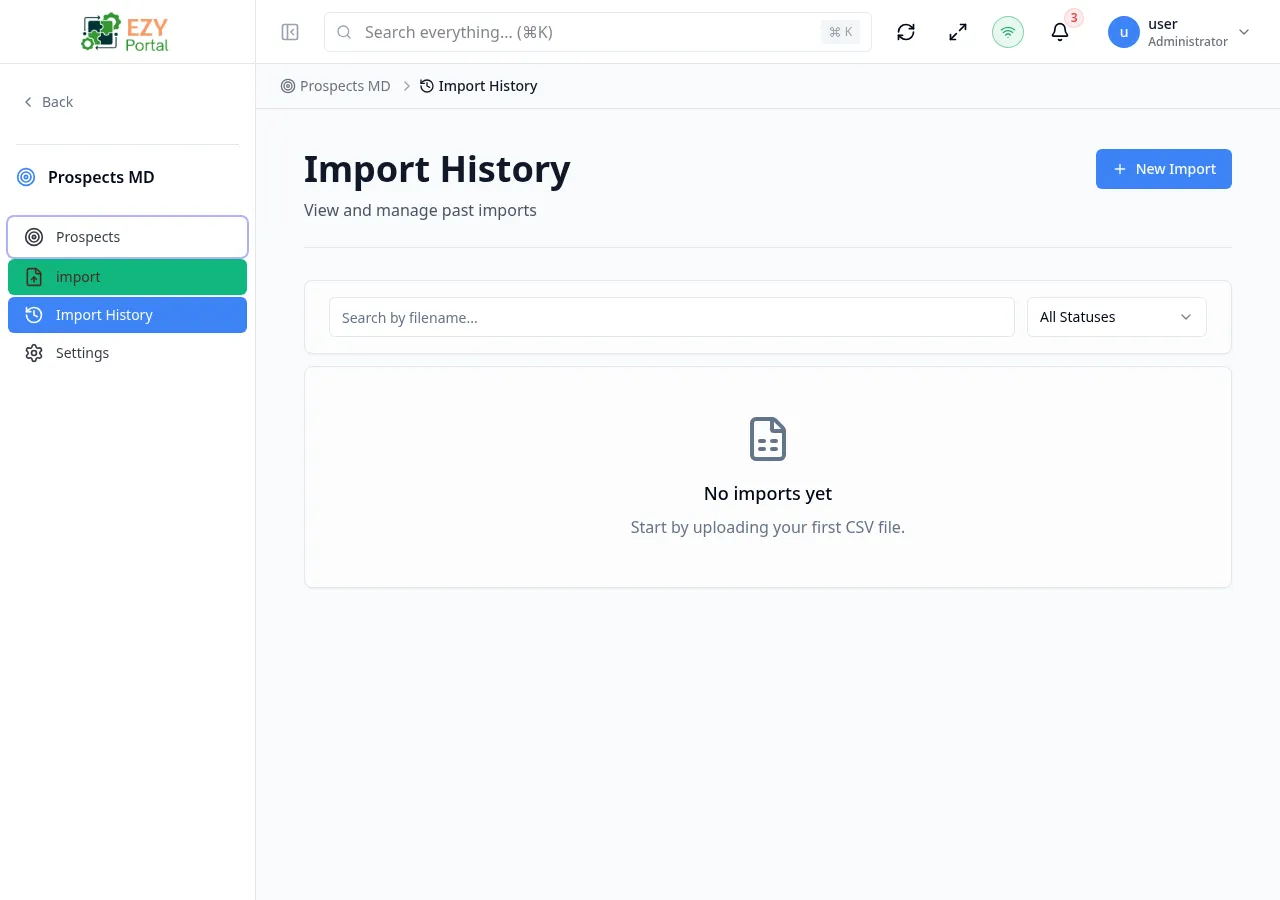
The Import History page displays a list of all past CSV imports with their status, row counts, and available actions.
Accessing the Page
Section titled “Accessing the Page”Navigate to /prospects/import/history, or from the Prospects sidebar menu under Import. Requires the canViewImports permission.
List Columns
Section titled “List Columns”| Column | Description |
|---|---|
| Filename | Original CSV filename |
| Status | Import status badge |
| Total Rows | Total number of rows in the file |
| Success Count | Successfully imported rows |
| Error Count | Rows that failed |
| Created At | Date and time of the import |
| Completed At | Date and time the import finished |
Import Statuses
Section titled “Import Statuses”| Status | Color | Description |
|---|---|---|
| Pending | Gray | Import is queued |
| Validating | Blue | Validating CSV data |
| Processing | Yellow | Import is in progress |
| Completed | Green | Import finished successfully |
| Failed | Red | Import failed |
| Cancelled | Gray | Import was cancelled |
Filtering
Section titled “Filtering”| Filter | Type | Description |
|---|---|---|
| Search | Free text | Search by filename |
| Status | Dropdown | Filter by import status |
Sorting
Section titled “Sorting”Default sort: Created At descending (newest first).
Pagination
Section titled “Pagination”Uses a Load More pattern with a default page size of 10 records.
Row Actions
Section titled “Row Actions”| Action | Permission | Condition | Description |
|---|---|---|---|
| View | canViewImports | Always | Navigate to the Import Detail page |
| Rollback | canRollbackImport | Import completed and rollbackable | Revert the import, removing imported prospects |
Rollback
Section titled “Rollback”Rollback removes all prospects that were created by a specific import. A confirmation dialog warns that the action is permanent and displays the number of prospects that will be removed.
Page Actions
Section titled “Page Actions”| Action | Permission | Description |
|---|---|---|
| New Import | canUploadCSV | Navigate to the Import Wizard |
Related Pages
Section titled “Related Pages”- Import Wizard — Start a new import
- Import Detail — View a specific import
- Prospects List — View all prospects