Item Groups
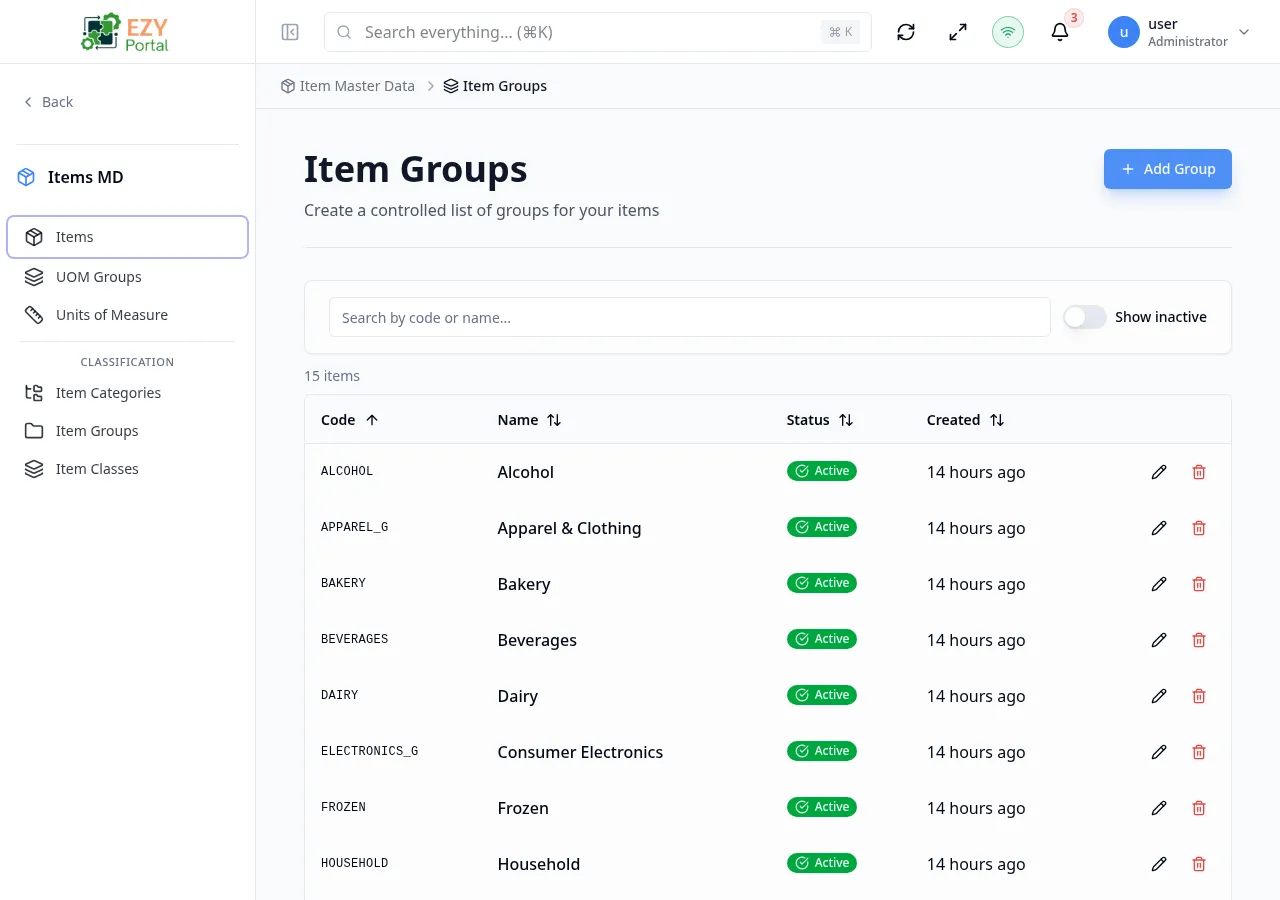
The Item Groups page provides a list of groups used to classify items. Groups are flat (non-hierarchical) and provide a way to segment your item catalog.
Accessing the Page
Section titled “Accessing the Page”- Route:
/items/item-groups - Legacy alias:
/items/itemGroups - Menu Path: Item Master Data → Item Groups
Table Columns
Section titled “Table Columns”| Column | Description | Default Visible | Sortable |
|---|---|---|---|
| Code | Unique group code | Yes | Yes |
| Name | Group display name | Yes | Yes |
| Status | Active/Inactive badge | Yes | No |
| Created | Creation date | Yes | No |
| Actions | Edit, Delete buttons | Yes | No |
Filtering
Section titled “Filtering”| Filter | Description |
|---|---|
| Search | Search by code or name |
| Show Inactive | Toggle to include inactive groups |
Pagination
Section titled “Pagination”Uses load-more pagination with a default page size of 10.
Actions
Section titled “Actions”| Action | Permission | Description |
|---|---|---|
| Add Group | Create Group | Open create dialog |
| Edit | Edit Group | Open edit dialog |
| Delete | Delete Group | Delete the group (cannot be undone) |
Create / Edit Group Dialog
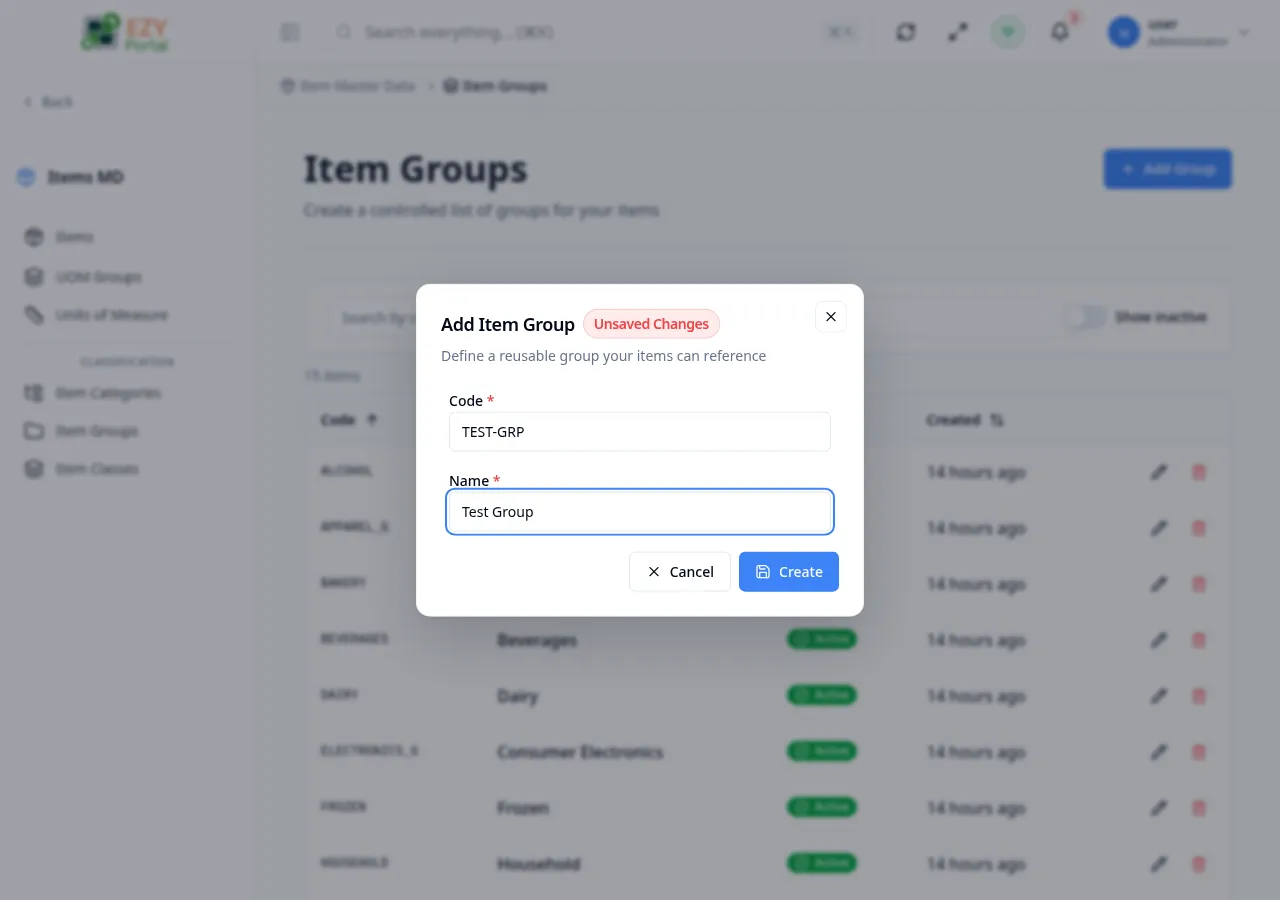
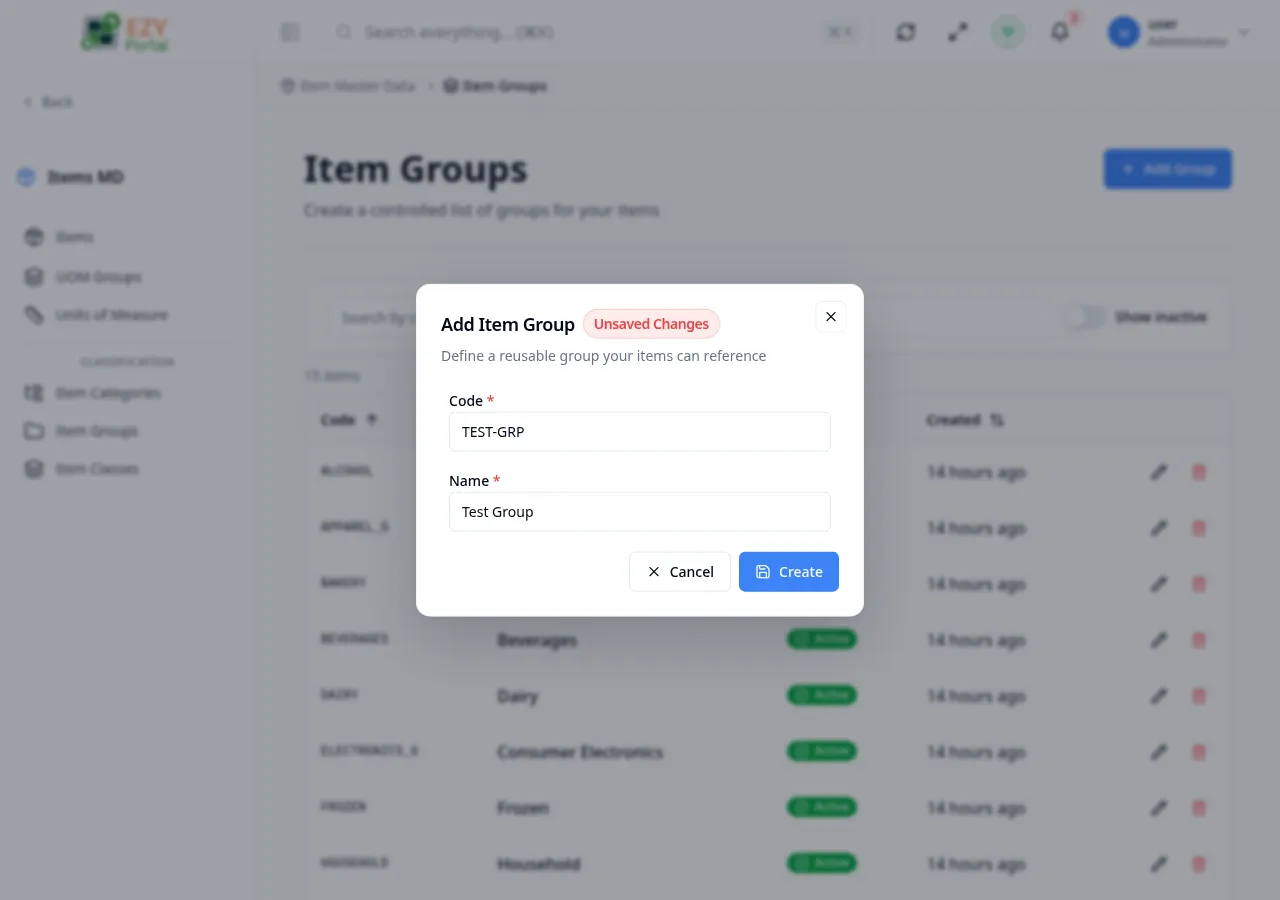
Section titled “Create / Edit Group Dialog”| Field | Required | Type | Description | Default | Validation |
|---|---|---|---|---|---|
| Code | Yes | Text | Unique identifier | — | Max 60 chars, read-only after creation |
| Name | Yes | Text | Display name | — | Max 200 chars |
| Active | No | Switch | Active status | true | Inactive groups are hidden from selection |
Initialize Groups
Section titled “Initialize Groups”When no groups exist, the page offers to initialize a Default group (general items group).
Messages
Section titled “Messages”| Event | Message |
|---|---|
| Create success | Group created successfully |
| Update success | Group updated successfully |
| Delete success | Group deleted successfully |